
ASSIGN PRO · AVAILABLE NOW
Your list.
A clear next step.
Import your device list, review the Jamf matches and confirm which Macs to add to or remove from a static group.
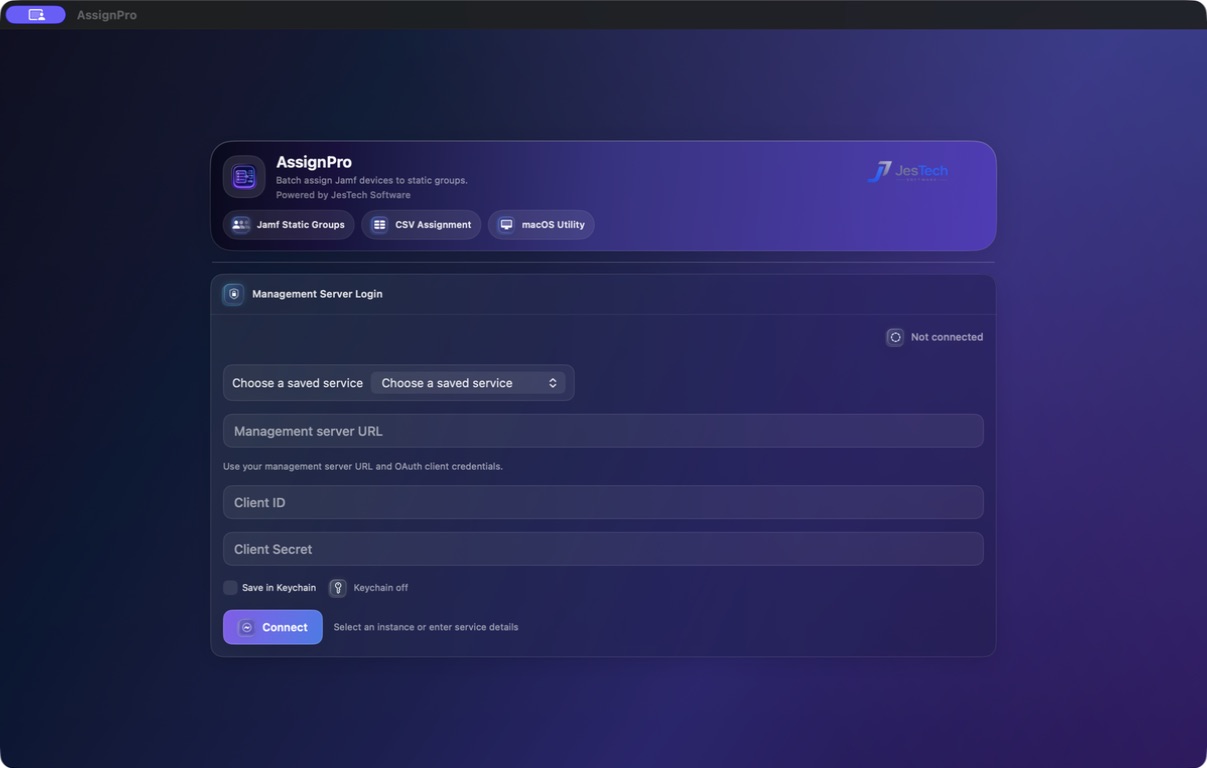
Built for the way Mac admins work.
01
Import your list.
Bring your device list into Assign Pro and choose the static group you want to work with.
02
Review the matches.
Check the Macs that were found and investigate any entries that need attention before making a change.
03
Confirm the change.
Add or remove the matched Macs from the static group when you’re ready.
A review step where it matters.
Device lists can be messy. Assign Pro gives you a clear place to check the matches before updating Jamf. It works alongside your existing environment, keeping the decision to make a change with you.
Get started with confidence.
Follow the setup and workflow guides for the supported configuration and required Jamf permissions.
Already have a licence?
Use the Licence Portal to find your downloads and manage your account.